The Most Common Bugs Found During Beta Testing
6 June 2026
Let’s be honest—beta testing can be a rollercoaster. It’s that exciting phase in game development where players get their hands on your creation before it’s truly done. But it’s not all fun and games (pun intended). It’s also the time when bugs start crawling out of the woodwork—and some of them, oh boy, are downright nasty.
If you’re a developer getting ready to launch a beta or a curious gamer wondering why your early-access title crashes every time you open the map, then this article’s for you. We're diving deep into the most common bugs found during beta testing—what they are, why they happen, and what you can do about them.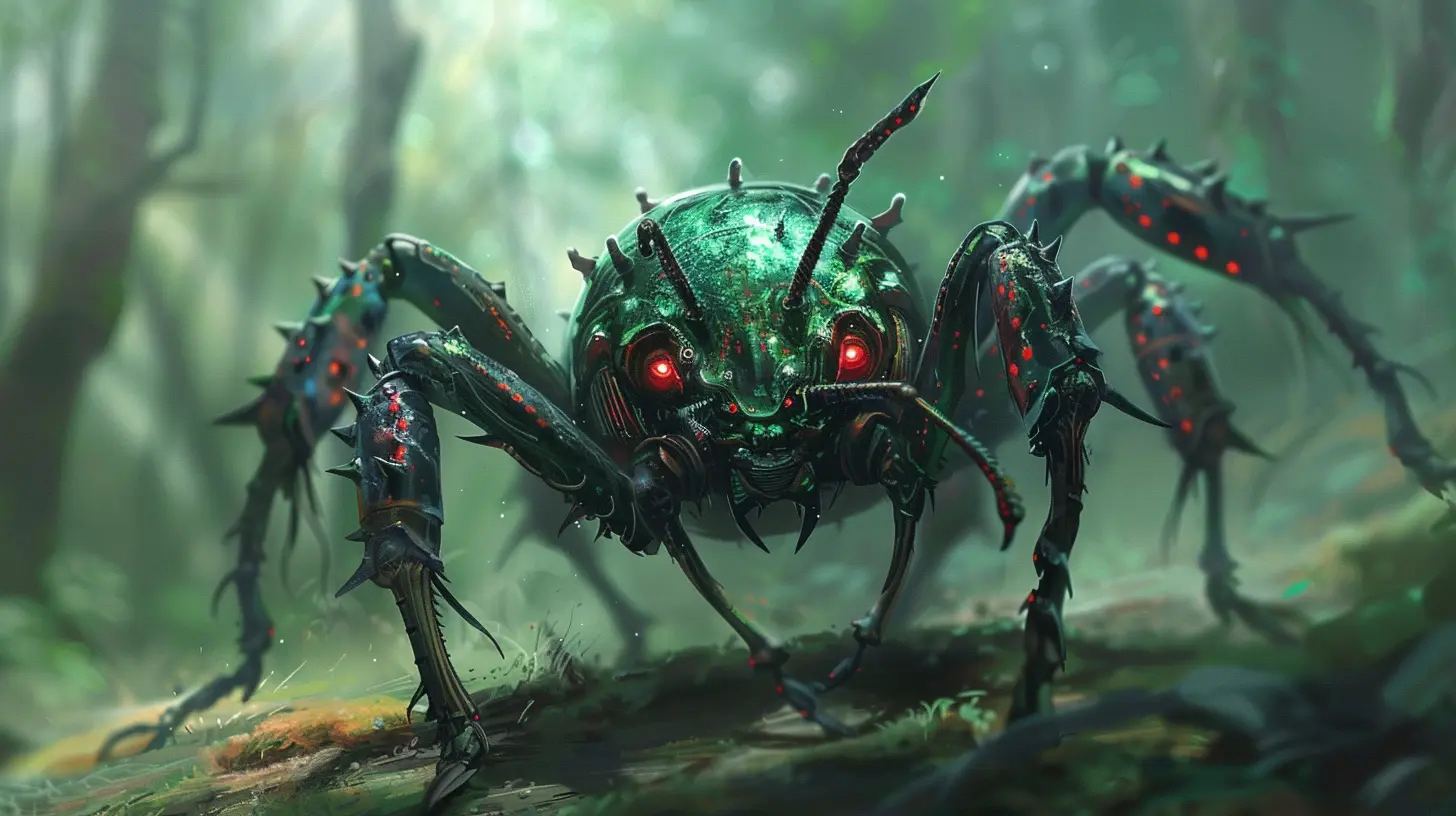
What Exactly Is Beta Testing?
Okay, quick recap: beta testing is the stage in game development where a near-complete version of the game is released to a closed or open group of users. The main goal? To catch those sneaky bugs and performance issues before the official launch.Think of it like inviting friends over to sample a new recipe—before you serve it at a big dinner party. You need honest feedback (and in this case, bug reports) to make sure everything tastes just right.
Why Bugs Are Inevitable
Games are incredibly complex. We’re talking about thousands (sometimes millions!) of lines of code, stitched together with graphics, sound systems, networking, input mechanics—you name it. It’s not if bugs happen…it’s when.Beta testing is like stress-testing a bridge: you see where cracks form when players interact with your game in ways you never imagined. So, what kind of bugs show up the most? Let’s break them down.
1. Crashes and Freezes
Ah yes, the granddaddy of all game-breaking bugs—the crash. You’re right in the middle of a boss fight or crafting the perfect sword, and BAM! The game crashes to desktop (or worse, completely freezes your system).Why It Happens:
- Memory leaks- Infinite loops
- Null reference errors
- Overloaded GPU/CPU
How It Affects Players:
- Frustration levels rise- Progress gets lost
- Beta testers might quit altogether
How Devs Address It:
Crash logs are gold. Beta testers are usually encouraged to submit error logs when the game fails so devs can trace the issue back and squash it.
2. Game-Breaking Bugs
These bugs don’t just cause problems—they make the game unplayable. Imagine an NPC that never triggers a quest you need to finish the main storyline. Or a door that won’t open, trapping you in one room forever.Symptoms Include:
- Quest items not appearing- Scripted events not firing
- Spawn points bugging out
Why These Are Critical:
They stop progress. Full stop. And nothing kills player excitement faster than feeling stuck because of a bug instead of a challenge.3. Performance Issues (FPS Drops, Lag, and Stuttering)
Beta testers aren’t just there to report bugs—they’re also testing how well your game runs. If a game causes the frame rate to plummet during firefights or makes a powerful rig wheeze like it’s from 2005, you’ve got problems.Common Triggers:
- Unoptimized assets (4K textures where 1K would do)- Poorly managed draw calls
- Overused visual effects like particle systems
Gamer Speak Translation:
“Why does my PC sound like a jet engine during a cutscene?”4. Graphical Glitches
You know something’s off when a character’s eyeballs are floating two feet in front of their head. Graphical glitches can be hilarious, but they break immersion fast.Most Common Offenders:
- Texture popping- Clipping through walls or floors
- Missing models
- T-posing characters (the default animation pose)
Why They Matter:
Even if they’re not game-breaking, they make your game look unpolished and less credible—especially in a beta, where first impressions matter big time.5. Audio Bugs
Nobody really talks about sound bugs, but when they show up, it’s either ear-piercing or dead silent—neither is great.Examples:
- Music layering weirdly or repeating- Sound effects not playing
- Voice lines triggering at the wrong time (or all at once—yikes)
Why Devs Should Care:
Sound sells emotion. If audio is broken, so is the emotional punch of your narrative or the adrenaline rush of your gameplay.6. Networking & Server Issues
Multiplayer games live or die by their netcode. During beta testing, it’s common to hit problems related to online play.Bad Bugs Include:
- Rubberbanding (characters snap back after moving)- Matchmaking failures
- Desync between clients (e.g., what you see isn’t what your teammate sees)
Bonus Nightmare: Server Crashes
Yeah, let’s not even go there. But we have to, because when servers go down, it’s not just a bug—it’s a catastrophe.7. UI & UX Problems
You ever try to click a button and realize it’s just for decoration? Or get confused because the menu labels don’t make sense? UI (User Interface) and UX (User Experience) bugs are often overlooked—but they’re everywhere in betas.Examples:
- Buttons that don’t work- Menus that don’t navigate correctly
- HUD elements overlapping or disappearing
- Tooltips showing wrong info
Why Players Complain:
If you can’t interact with the game intuitively, even the best mechanics can go unnoticed. It’s like giving someone a Ferrari but not teaching them how to drive stick.8. Save/Load Failures
This one’s a heartbreaker. You’ve spent hours leveling up, collecting rare loot, unlocking achievements—then you try to save… and it’s corrupted.Or worse, you load up your game and everything’s gone.
Causes:
- Improper serialization- Race conditions during save
- Cloud sync conflicts
Note for Devs:
Test multiple save states and formats. Trust me, players will rage if they lose progress.9. AI Malfunctions
Your enemies are supposed to be smart, dangerous, and tactical. But in a beta? They might just walk into walls, ignore you completely, or stare longingly into the abyss.Common AI Glitches:
- Pathfinding errors- Aggro not resetting
- NPCs stuck in looping animation cycles
Why It’s Important:
AI is a huge part of immersion. If your enemies act like confused toddlers, the challenge (and fun) goes right out the window.10. Collision and Physics Bugs
Ever fall through the map? Or shoot an arrow that bounces off air? Yeah, blame the collision detection.These Bugs Usually Include:
- Objects not having proper hitboxes- Walls or floors that don’t register collision
- Physics engines overreacting (hello, flying ragdolls)
Why Players Notice:
It shatters immersion. Players feel like the world isn’t solid—and that’s a dealbreaker in a detailed, high-fidelity game.So, What Can You Do About It?
If you’re a dev, the key is tracking, reporting, and prioritizing. Not all bugs are created equal. Some just make you chuckle. Others? They’ll make you lose players faster than a lag spike in a PvP match.Quick Tips for Beta Testing Success:
- Use reliable bug-tracking tools (like JIRA, Trello, or GitHub)- Encourage detailed tester reports (steps to reproduce, platform, timestamp)
- Work with a Q&A team alongside your devs—divide and conquer
- Deploy hotfixes during the beta to test response pipelines
And if you’re a beta tester? Be kind, be detailed, and keep those reports coming. You’re helping shape the final game—and that’s pretty awesome.
Final Thoughts
Bugs during beta testing are like weird guests at a party—they might be annoying, but they sure teach you a lot. Every crash, glitch, and corrupted save file is an opportunity to make a better game. So whether you’re developing or testing, patience and persistence go a long way.At the end of the day, beta testing is a stress test for both the game and the team behind it. It’s messy. It’s chaotic. But it’s vital. And let’s be real—we wouldn’t have it any other way.
all images in this post were generated using AI tools
Category:
Game Beta TestingAuthor:

Aurora Sharpe
Discussion
rate this article
1 comments
Holly Chapman
It's fascinating to see how even the biggest titles have their share of bugs during beta testing. What unusual glitches have you encountered? Any funny moments or unexpected discoveries you'd like to share?
June 11, 2026 at 2:53 AM
Aurora Sharpe
I once experienced a character getting stuck in a wall, spinning infinitely. It was hilarious watching it happen during a serious quest. Bugs can really add some unexpected comedy to the process!