How Ping and Lag Affect Shooter Game Performance
9 May 2026
If you've ever played a first-person shooter (FPS) online, you've probably shouted at your screen thanks to that one time the bullet you fired didn't register—or even worse, when someone seemingly teleported around a corner and blasted you in the face. Sounds familiar? That, my friend, was either ping or lag getting in the way of your frag count.
Ping and lag are two of the most frustrating things in online gaming, especially in fast-paced, reaction-based shooters where every millisecond counts. In this article, we’re diving deep into what ping and lag really are, how they affect shooter game performance, and what you can actually do to get rid of them (or at least reduce their impact).
So grab your energy drink, sit back, and let’s break this down.
What is Ping, and Why Should You Care?
Let’s start with the basics. Ping is the time it takes for your computer or console to send data to the game server and receive a response. It’s measured in milliseconds (ms). The lower your ping, the faster your actions are registered by the server. Simple enough, right?Imagine playing paintball. If you shoot, but your opponent sees your movement a second later, you're both playing two different games. That's essentially what happens when your ping is high—your reality in the game is delayed compared to everyone else’s.
Ping Levels Explained:
Here’s a quick breakdown of what your ping number actually means:- 0ms - 30ms: The holy grail. Smooth, responsive gameplay.
- 30ms - 60ms: Still good. Most players won’t notice any issues.
- 60ms - 100ms: Playable but not ideal. You might feel sluggish aiming or shooting.
- 100ms - 150ms: You’ll notice the delay. Headshots? Not gonna happen often.
- 150ms+: Get ready to rage. It’s officially “lagging territory.”
Lag: The Ping’s Evil Sibling
Now, what about lag? People often use the term interchangeably with ping, but they’re not the same thing. Lag is a broader term that refers to any slowdown or delay in your gameplay experience. While high ping causes lag, lag can also be caused by your hardware, your internet connection, the game servers, or even background apps.Think of lag as your car stalling on the highway while everyone else zooms past. Not fun, right?
Types of Lag:
1. Network Lag: Usually caused by high ping, packet loss, or unstable connections.2. Frame Lag (FPS Drops): This is all about your hardware. If your PC or console can’t keep up, your frames drop and the game stutters.
3. Input Lag: Ever pushed a button and your character reacts a second later? That’s input lag—very annoying in competitive shooters.

The Real Impact on Shooter Game Performance
Shooter games are all about speed, precision, and timing. In titles like Call of Duty, Valorant, Apex Legends, and Counter-Strike: Global Offensive, everything happens in milliseconds—sometimes even microseconds. A slight delay can be the difference between getting a kill or ending up in the respawn queue.Let’s break down how ping and lag sabotage your gameplay:
1. Delayed Reaction Times
Your brain might be on point, your reflexes lightning-fast, but if your ping is high, your shots won’t register in time. Imagine aiming perfectly and pulling the trigger, only for the server to receive your command a half-second late. By then, your opponent has already moved—and probably killed you.2. Desync and Rubberbanding
Ever seen an enemy teleport across the screen? Or walked forward only to be snapped back to your previous position? That’s rubberbanding, and it’s usually a result of lag or server desync. It feels like trying to run through mud while on a treadmill—completely frustrating and game-breaking.3. Ghost Bullets & Missed Shots
High ping often causes shot registration issues. You’re aiming dead-on, you shoot, but nothing happens. Meanwhile, your enemy lands a shot that didn’t even seem close on your screen. That’s not you missing; that’s the server not syncing up your actions in real-time.4. Out-of-Sync Game State
In severe lag situations, multiple players can be playing what feels like two different games. The server might show one thing, but your screen shows another. So while you think you’re hiding behind cover, the server might show you standing out in the open like a sitting duck.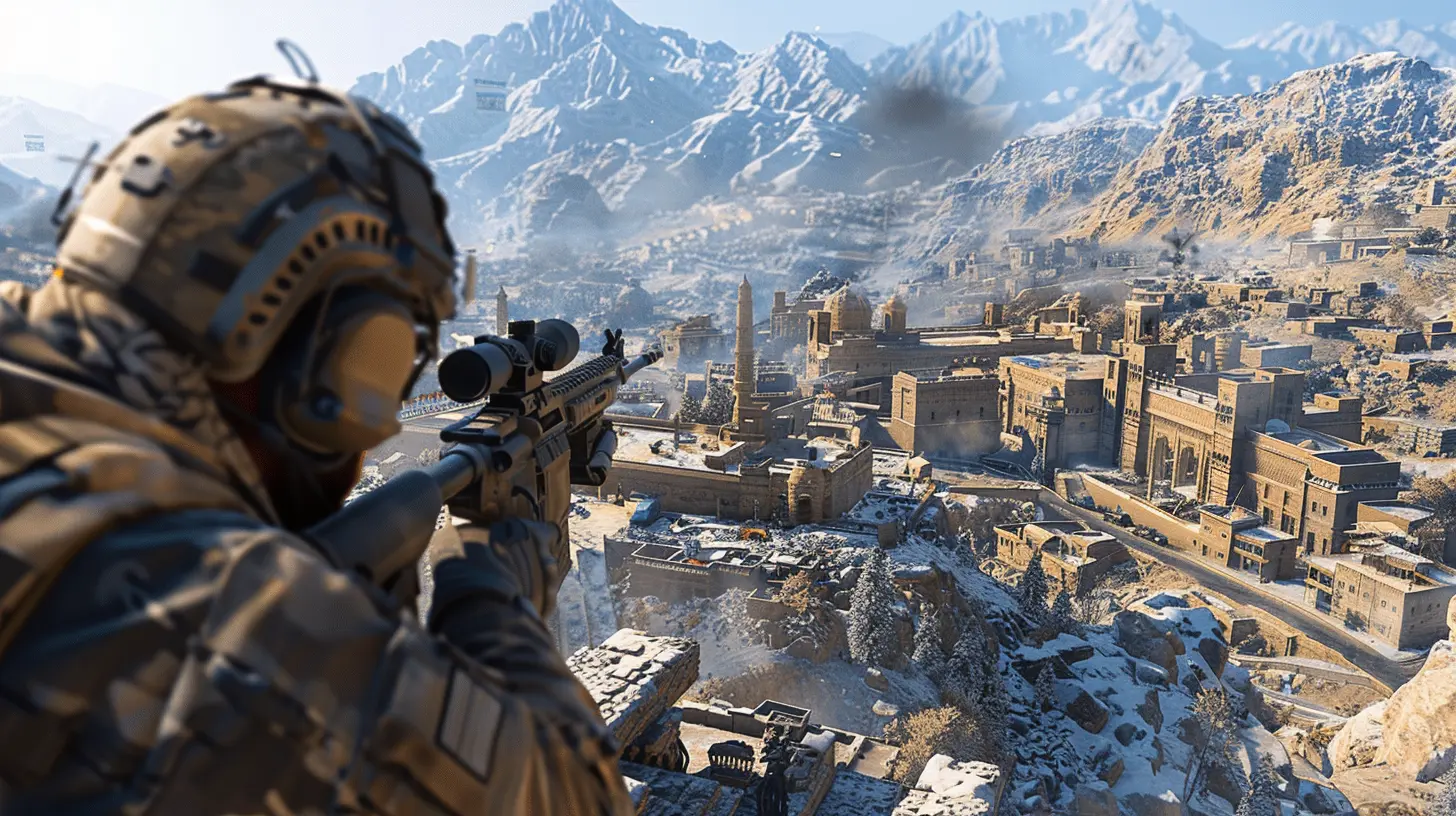
Competitive Gaming and the Ping Dilemma
For casual gaming, a little lag might just be annoying. But for competitive shooter players, ping and lag can completely ruin the experience. If you’re playing ranked matches, climbing the leaderboard, or even scrimming with a team, every moment counts.High Ping in Esports? Game Over.
In the realm of esports, where tournaments are decided in milliseconds, having a high ping is practically a death sentence. It’s the equivalent of racing with a flat tire—you just can't keep up. Even 50ms vs. 10ms can make a big difference in who lands the first shot.Why Do You Get High Ping or Lag, Anyway?
Let’s talk about the root of the problem. Ping and lag don’t just pop up randomly. There's usually a specific cause or a combination of factors that lead to those dreaded spikes.Here are some things that mess up your connection:
- Geographical Distance: The further you are from the server, the higher your ping. Playing on a server across the globe? Expect delays.- Internet Connection Quality: Wi-Fi is more unstable than a wired Ethernet connection. Also, bandwidth-hogging devices (like streaming Netflix) can eat up your pipe.
- Server Issues: Sometimes, the fault isn’t yours. Game servers can have too much traffic or ongoing issues.
- Packet Loss: Think of it as digital mail getting lost. Some data packets don’t arrive, causing weird in-game behavior.
- Background Processes: Downloads, updates, and even open browser tabs can eat up connection and processing power.
Tips for Fixing or Reducing Ping and Lag
Okay, enough doom and gloom. The good news? You can actually do something about it.1. Use a Wired Connection
Ditch the Wi-Fi. Ethernet is your best friend when it comes to lowering ping and boosting stability. It eliminates interference and ensures a more consistent signal.2. Optimize Your Network
- Restart your router.- Limit the number of devices connected.
- Pause downloads and background apps.
- Use Quality of Service (QoS) settings to prioritize gaming.
3. Choose The Right Server
Always pick the server closest to your location. Many games offer region selection—don’t ignore it.4. Update Drivers and Settings
Ensure your network drivers and graphic drivers are up-to-date. Also, adjust your game settings to balance performance and visuals.5. Reduce Graphics Load (For FPS Lag)
Lowering visual settings like shadows, anti-aliasing, and post-processing can help your hardware keep up, reducing frame lag.6. Close Background Applications
Don’t let Chrome gobble up your RAM mid-match. Close unused tabs, apps, and processes before you launch your game.7. Use Gaming VPNs (With Caution)
Some players use VPNs to connect to better routes or even unlock faster paths to game servers. This doesn’t always work, and sometimes it can make things worse—so test carefully.Are Some Shooter Games More Tolerant of Ping?
Absolutely. Not all shooters are created equal when it comes to handling ping and lag.Games like Valorant or CS:GO have advanced netcode and servers that prioritize competitive integrity. Even there, though, a ping above 80ms starts to hurt. On the other hand, more casual shooters like Fortnite or Warzone might feel more “forgiving,” but only up to a point.
Ultimately, if you’re serious about winning gunfights, you can’t afford to be playing with a 150ms handicap.
When is Ping Not The Problem?
Sometimes, your game feels laggy, but your ping is low. That’s where frame lag or input lag comes into play. Don’t curse your ISP just yet—if your PC is old, overloaded, or just can’t handle the graphics, the lag is on your end.Make sure to monitor your FPS (frames per second) and check for hardware bottlenecks before pointing fingers at your connection.
The Future of Online Gaming: Will Lag Ever Disappear?
With advancements in 5G, fiber-optic broadband, and game streaming services like NVIDIA GeForce Now or Xbox Cloud Gaming, the dream is an ultra-low-latency, lag-free future. But we’re not there yet.Until then, optimizing your setup is the best bet. Think of it like tuning a race car—you might not control the whole track, but you can make sure your ride is running perfectly.
Final Thoughts: Don’t Let Ping Beat You
Ping and lag are invisible enemies in the world of shooter games. You don’t see them coming, but they hit you hard. Understanding what they are, why they happen, and how to fix them can give you the edge you need—especially when milliseconds can mean victory or defeat.So, next time someone one-shots you from halfway across the map, don't just rage-quit. Check your ping. Optimize your setup. And remember, sometimes the biggest threat isn’t the guy with the sniper rifle—it’s your internet connection.
Game on.
all images in this post were generated using AI tools
Category:
Shooter GamesAuthor:

Aurora Sharpe
Discussion
rate this article
2 comments
Jude Gill
Understanding how ping and lag impact gameplay can make all the difference in a shooter. Improving these factors can elevate your skill and enhance the overall gaming experience... Keep pushing forward!
May 14, 2026 at 5:07 AM
Aurora Sharpe
You're absolutely right. Knowing how ping and lag affect gameplay is crucial. It's all about staying ahead and refining those skills. Keep gaming!
Andrea Bowers
Ping matters, lag frustrates.
May 9, 2026 at 4:06 PM
Aurora Sharpe
Absolutely! Low ping enhances responsiveness, while high lag can ruin the experience. It's crucial for competitive play.