Hidden Console Features You Might Not Know About
5 January 2026
Alright gamers, buckle up! Whether you’re a PlayStation prodigy, an Xbox enthusiast, or a Nintendo nerd, there’s no denying the fact that game consoles are absolute marvels of engineering. These machines are more than just portals into alien worlds, battlegrounds, and fantastical adventures—they’re packed with secret functionalities that most people don’t even know exist.
Yep, you read that right. Hidden gems are lurking within your console, ready to make your gaming experience smoother, better, and, dare I say, cooler. So, grab your controller and let’s dive into some of the most mind-blowing, little-known features your gaming console is hiding from you.

PlayStation’s Secrets
1. Rest Mode Downloads Like a Ninja
Ever realized your PlayStation seems to be yelling “FEED ME” every time you want to download a massive game? Well, here’s the kicker: enabling Rest Mode doesn’t just save power; it ensures your console silently downloads updates and games in the background like a stealthy ninja.To activate this feature, head to Settings > Power Saving Settings and tweak the options under “Set Features Available in Rest Mode.” Boom. You now have a console that works while you sleep. Kind of like having a tiny gamer elf.
2. Hidden Browser on PlayStation 4
Wait, didn’t Sony ditch the web browser on the PS4? Not entirely! While there isn’t a flashy icon on the home screen saying “Browser,” it’s actually there, hiding in plain sight. Simply click Settings > Users Guide, and—voilà!—you’re browsing the web on your PS4.Is it smooth? Eh, not really. But does it work? Absolutely. Perfect for quick searches when you’re too lazy to grab your phone.
3. Controller Tricks You Should Know
Your PS controller is smarter than you give it credit for. For instance, press and hold the PlayStation button along with the Share button for a few seconds, and BAM—your DualShock or DualSense is now searchable via Bluetooth. You can use it to play games on your PC, tablet, or even your phone like a boss.Oh, and the light bar? It’s not just for aesthetics; it serves purpose too. For example, in some games, it changes colors to indicate health or danger. Pay attention—it might just save your virtual life. 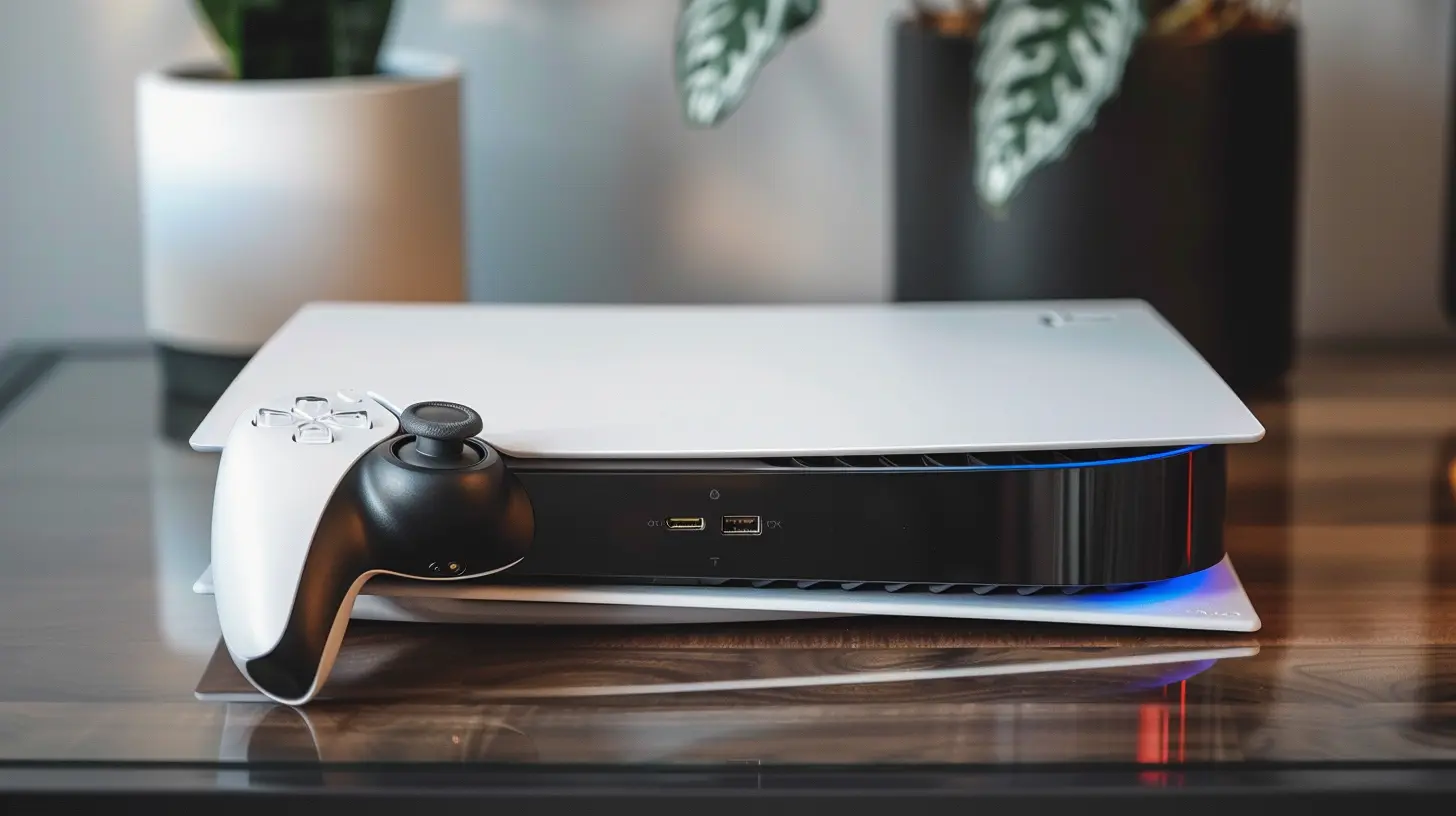
Xbox’s Hidden Powers
4. Turn Your Xbox Into a Media Beast
Did you know your Xbox can double as a media streaming hub for your household? With apps like Kodi or Plex, you can turn your console into the ultimate entertainment center. Stream movies, TV shows, or music from your computer directly to your Xbox—even if they're not stored locally on your machine.All you have to do is install the app from the Microsoft Store, configure it, and just like that, your Xbox now moonlights as a Netflix alternative.
5. Activate Copilot Mode
Want to make gaming more accessible or just need a hand? Xbox has a feature called Copilot Mode that lets you share controls between two controllers. It’s like handing the reins to a co-pilot without fully surrendering the aircraft.This is perfect for helping a younger sibling get through a tricky level or giving a friend an assist during a co-op session. Enable it by going to Settings > Ease of Access > Controller Options.
6. Pin Accessibility for Quick Access
We’ve all been in that rage-inducing moment where a setting you desperately need is buried twelve menus deep. Xbox has a nifty workaround: pin your most-used settings to the dashboard for instant access.Just select your desired setting, hit the Menu button, and choose “Add to Home.” Now, it’s right there when you need it the most. 
Nintendo’s Hidden Goodies
7. Secret Screenshot Sharing on Switch
Sure, everyone knows the Capture button takes screenshots. But did you know you can upload them directly to your phone without jumping through multiple hoops?Here’s what you do: Go to Album > Screenshot, press A on the image, and select “Post to Social Media.” Nintendo generates a QR code, scan it, and bam—your masterpiece is now on your device. No messy memory cards required.
8. Joy-Con Calibration
Ever felt like your Joy-Cons aren’t as snappy as they used to be? Before you go blaming Nintendo, try recalibrating them.Under System Settings > Controllers and Sensors, you’ll find an option to calibrate motion controls and sticks. It’s like giving your Joy-Cons a spa day, ensuring they’re back to performing at their peak.
9. Turn Your Switch Into a Power Bank
Alright, this one’s kind of a hack but stay with me. If you have a USB-C to USB-C cable, you can use your Nintendo Switch as a power bank to charge smaller gadgets like a smartphone.Sure, it’s not the most efficient power source, but in a zombie apocalypse? It’s nice to know you’ve got a backup. 
Universal Console Hacks
10. Offline Voice Commands (Yes, Seriously)
Voice control isn’t just a gimmick—it’s wildly useful when it actually works. And pretty much every console has some level of voice command functionality.Here’s the kicker: You can access almost all voice commands offline. No internet? No problem. Whether it’s “Play [game name]” or adjusting volume levels, just activate the mic and let your console listen to your commands like an obedient droid.
11. Sleep Timer for Your Console
Think falling asleep to Netflix is risky because your console might overheat or waste energy? Fear not, because sleep timers exist on most consoles.Dig into the power settings of your machine, and you’ll find options to automatically shut the console down after a set time of inactivity. Trust me; your electricity bill will love you for it.
12. Use Your Smartphone as a Keyboard
Typing with a controller is a nightmare (seriously, who thought THAT was a good idea?). Thankfully, most consoles let you pair your smartphone with them to make typing easier. Just download the respective apps (PlayStation App, Xbox App, etc.), link them with your console, and type away.It’s like upgrading from primitive cave etchings to modern text messaging. Who needs a keyboard when you’ve got this feature?
Why You Should Unlock These Features
So why bother digging into these hidden features? It’s simple: consoles are expensive, and you deserve to get the most out of your investment. These tricks aren’t just party gimmicks—they’ll genuinely save you time, enhance your gameplay, and sometimes even keep you from smashing that controller out of frustration.Plus, there’s something endlessly satisfying about discovering an easter egg-like feature built into a device you’ve been using for years. It’s like finding money in your old jeans—a delightful surprise that makes your day.
That’s a Wrap
There you have it, folks—hidden console features that’ll make you feel like a tech wizard among your gaming crew. Whether you’re optimizing downloads on PlayStation, streaming shows on Xbox, or fine-tuning Joy-Con performance on the Switch, these tricks are bound to blow your mind.So, the next time someone tries to flex their $5k PC rig, just smile and start listing all the cool things your “lowly console” can do—they’ll be speechless.
Remember, consoles are more than just gaming machines—they’re pocket-sized technological geniuses. Treat them right, and they’ll give you gaming experiences you’ll never forget.
all images in this post were generated using AI tools
Category:
Gaming ConsolesAuthor:

Aurora Sharpe
Discussion
rate this article
2 comments
Astra Willis
Discovering hidden console features can transform your gaming experience! Embrace the thrill of exploration and unlock new joys in your favorite games. Happy gaming!
January 10, 2026 at 4:03 PM
Aurora Sharpe
Absolutely! Uncovering those features can make all the difference. Thanks for the excitement boost! Happy gaming to you too!
Maxine Cook
This article is a fantastic reminder of how much depth our consoles truly have! It’s amazing to discover hidden features that enhance our gaming experience. Thanks for shedding light on these gems! Keep up the great work!
January 6, 2026 at 4:15 PM
Aurora Sharpe
Thank you so much for your kind words! I'm glad you found the article helpful. Happy gaming!