Designing for Accessibility: How to Make Your Game Inclusive for Everyone
9 January 2026
When it comes to game development, one phrase should always be at the forefront of the creative process: "Everyone deserves to play." Gaming is a universal language, a shared escape, a playground of imagination. But not everyone has equal access to that playground—and that's where accessibility comes into play.
In today's gaming landscape, designing for accessibility isn't just a good idea—it's a must. It’s not only about doing the right thing but also about expanding your audience, improving user experience, and showing the world that your game truly cares about its players.
Let’s break it down together and talk about how you can create a game that everyone can enjoy—no matter their ability level.
🎮 What Does Accessibility in Games Actually Mean?
Before we dive into the how, let’s get crystal clear on the what. Accessibility in gaming refers to designing games in a way that removes barriers to play for people with disabilities. This can range from physical and sensory disabilities to cognitive and neurological conditions.Think of it like this: You wouldn’t build a theme park without ramps for wheelchairs, right? The same logic applies to games. If your design doesn’t account for accessibility, you’re unintentionally leaving people out.
👥 Why Accessibility Matters More Than Ever
Pull up a chair, because this part is big.1. 1 in 4 Gamers has a Disability
Yep, you read that right. Studies have shown that up to 25% of gamers identify as having some form of disability. That's a HUGE segment of your potential audience.Ignoring accessibility is like turning away one out of every four players at the door. Yikes.
2. Inclusive Design = Better Design
When you focus on making your game more accessible, something magical happens—it gets better for everyone. Think subtitles, colorblind modes, key remapping. These aren't just helpful for folks with disabilities; they improve the experience for all players.Accessibility isn't just a checkbox; it’s a game-changer.
🧠 Step Inside the Player’s Shoes
Now, let’s put ourselves in the mindset of different players. Imagine trying to play your game without sound. Or with limited hand mobility. Or when dealing with attention difficulties or anxiety.Suddenly, that ultra-fast QTE (Quick Time Event) or the maze with muted color palettes feels impossible to navigate.
Empathy leads to better design. So before writing a single line of code or sketching a character, ask: “Could everyone enjoy this?”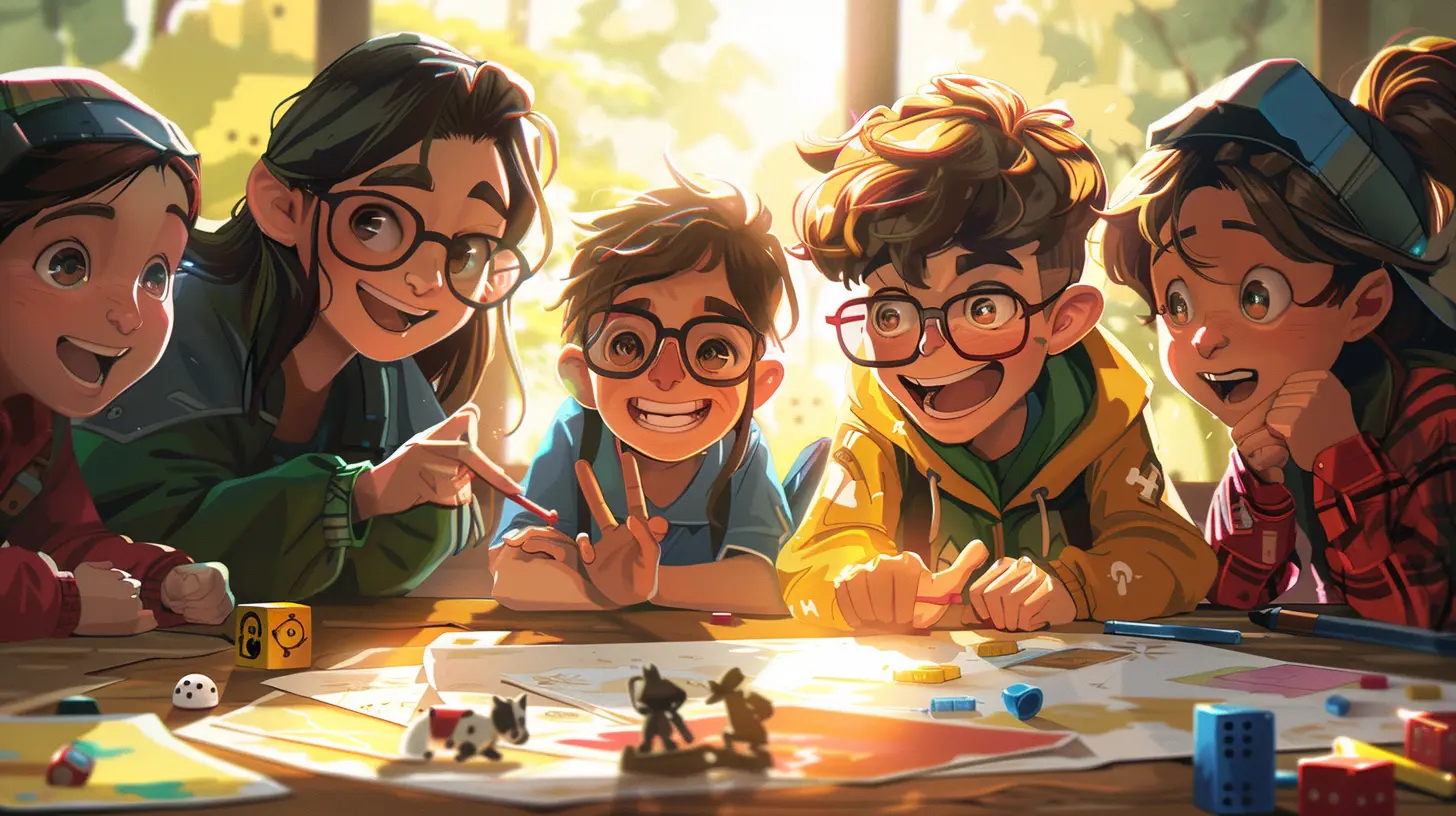
🛠️ Core Principles of Accessible Game Design
Even if you’re indie, solo, or operating on a shoestring budget, you can bake accessibility into your process. Here are the golden rules:1. Clarity Over Complexity
Keep your menus simple. Your text readable. Your instructions clear. Overly complex UI is a nightmare for players with cognitive disabilities or who are new to gaming in general.If your grandma couldn’t start your game without a tutorial on how to open the inventory, it’s time for a redesign.
2. Customizability is Key
One-size-fits-all doesn’t fly here. Give players control over how they play.Let them:
- Change controls
- Resize UI elements
- Adjust color schemes
- Toggle difficulty settings
Think LEGO blocks—modular, flexible, and built to suit the individual.
3. Multiple Input Options
Don’t force players into a specific control scheme. Allow keyboard, mouse, controller, adaptive devices—you name it.Even better? Let players rebind every single action. Don't just allow it—make it easy.
4. Avoid Relying on One Sense Alone
Sound is cool. Visual cues are awesome. Vibration is immersive.But relying solely on one of them? You’re at risk of excluding players.
Provide:
- Subtitles for all speech and sound effects
- Visual indicators for audio cues
- Haptic feedback for in-game events
Create a “sensory buffet,” so no matter how someone experiences the world, they can still engage with your game.
⚙️ Must-Have Accessibility Features (and How to Implement Them)
Alright, brass tacks. Here are some critical accessibility features and how to knock them out of the park:🧵 1. Subtitles and Captions
Not just for cutscenes.✅ Add:
- Size and color customization
- Background opacity behind captions
- Speaker identification (color-coding, names)
🎨 2. Colorblind Modes
Roughly 1 in 12 men and 1 in 200 women experience colorblindness. That’s too many players to ignore.✅ Your move:
- Offer presets (Protanopia, Deuteranopia, Tritanopia)
- Use textures or patterns, not just colors, for key elements
- Avoid red-green combos for critical gameplay info
🕹️ 3. Full Controller Remapping
Seems like a no-brainer, right? But you’d be surprised how many AAA titles still miss this.✅ Best practice:
- Let players reassign ANY button
- Provide presets for common accessibility controllers (e.g., Xbox Adaptive Controller)
📖 4. Text Size and Readability
Tiny fonts might look sleek, but they’re a nightmare for players with vision impairment.✅ Go for:
- Scalable text size
- High-contrast font options
- Dyslexia-friendly fonts (like OpenDyslexic)
🧠 5. Cognitive Accessibility Options
Think brain-friendly. Simple interfaces, minimal cognitive load, and flexible pacing can go a long way.✅ Try:
- Turning off timers for puzzles
- Pausable cutscenes
- Consistent UI navigation
🏗️ Building Accessibility Into Your Workflow
You don’t need to halt production to add accessibility. In fact, the earlier you consider it, the smoother everything goes.🔄 Think Accessibility from Day One
Don’t make it a “later” thing. Make it a “first” thing.Include accessibility checks in your design sprints, prototyping, and beta testing.
🧑🤝🧑 Involve Real Players With Disabilities
Don’t guess. Ask. Invite gamers with disabilities into your feedback loop. Better yet—hire them.They'll tell you things your fully-abled team members could never imagine.
🧪 Test Often, Test Early
Use checklists like the Xbox Accessibility Guidelines or Game Accessibility Guidelines. Test your UI, mechanics, and every menu screen with accessibility in mind.Think of it like QA, but for inclusivity.
💡 Get Inspired by These Accessible Games
Need some inspiration? These titles knocked it out of the park when it comes to accessibility:- The Last of Us Part II – Over 60 accessibility options ranging from visual cues to full controller mapping
- Celeste – Assist Mode to modify game difficulty without judgment
- Sea of Thieves – Fully narrated menus and speech-to-text systems
These aren’t just accessible. They’re celebrated. Because accessibility and quality go hand in hand.
🚀 Accessibility Boosts Your Game’s Success
Let’s not kid ourselves. Developers gotta eat. But here’s the thing—inclusive design is also smart business.More accessible = more players = more word-of-mouth = more love (and yes, more sales).
Plus, media and awards bodies are increasingly highlighting accessibility in their reviews and ratings. Stand out by standing up for inclusivity.
🤝 Accessibility Is a Journey, Not a Destination
You won’t get everything perfect on the first try—and that’s okay. Accessibility is a constant evolution. But the most important step? Starting.By caring. By trying. By listening.
Because when we open the doors to more players, we’re not just making better games—we’re making better communities.
✍️ Final Words
At the heart of it all, game development is about bringing joy. So let’s make sure that joy is something everyone can feel—regardless of how they see, hear, think, or move.Designing for accessibility isn’t about limitations. It’s about liberation—giving the power of play to everybody.
So the next time you sit down to design a level, script a feature, or polish a UI screen, ask yourself:
Is my game welcoming everyone to the party?
Because every player deserves a spot at the table.
all images in this post were generated using AI tools
Category:
Game DesignAuthor:

Aurora Sharpe
Discussion
rate this article
2 comments
Melissa Tucker
“Making games accessible is like adding a gluten-free option at a pizza party—everyone can enjoy the fun! Let’s level up inclusivity so no one gets left out, not even your friend who chooses pineapple as a topping!” 🍕🎮
January 14, 2026 at 3:58 AM
Aurora Sharpe
Absolutely! Inclusivity enhances the gaming experience for all, just like offering diverse toppings at a party. Everyone deserves to join in the fun! 🍕✨
Zane Patel
Let’s level up inclusivity! Gaming should be a quest everyone can enjoy—power to the players!
January 10, 2026 at 4:03 PM
Aurora Sharpe
Absolutely! Inclusivity enriches the gaming experience for everyone. Let's continue to create spaces where all players can thrive!