Comparing Patch Sizes and What They Mean for Gameplay
14 June 2026
Let’s be honest—patches are the lifeblood of modern games. Whether you’re diving deep into a freshly released open-world RPG or grinding in the latest battle royale, those updates waiting to download before launch are more than just digital roadblocks. They can totally flip how a game feels, plays, and even survives in the long run.
But have you ever wondered why some patches are barely a sneeze at 150MB, while others devour your bandwidth with a monstrous 30GB download? Sit tight, and let’s dig into what patch sizes really mean for your gameplay (and your hard drive).
What Is a Game Patch, Anyway?
Before we start measuring patch sizes like we’re comparing muscle gains in the gym, let’s break down what a patch actually is.Simply put, a game patch is an update issued by developers to fix bugs, add new content, make balance changes, or tweak performance. It’s like a digital tune-up, keeping your game running smoothly—or transforming it entirely.
Patches come in all shapes and sizes, and believe it or not, bigger doesn't always mean better.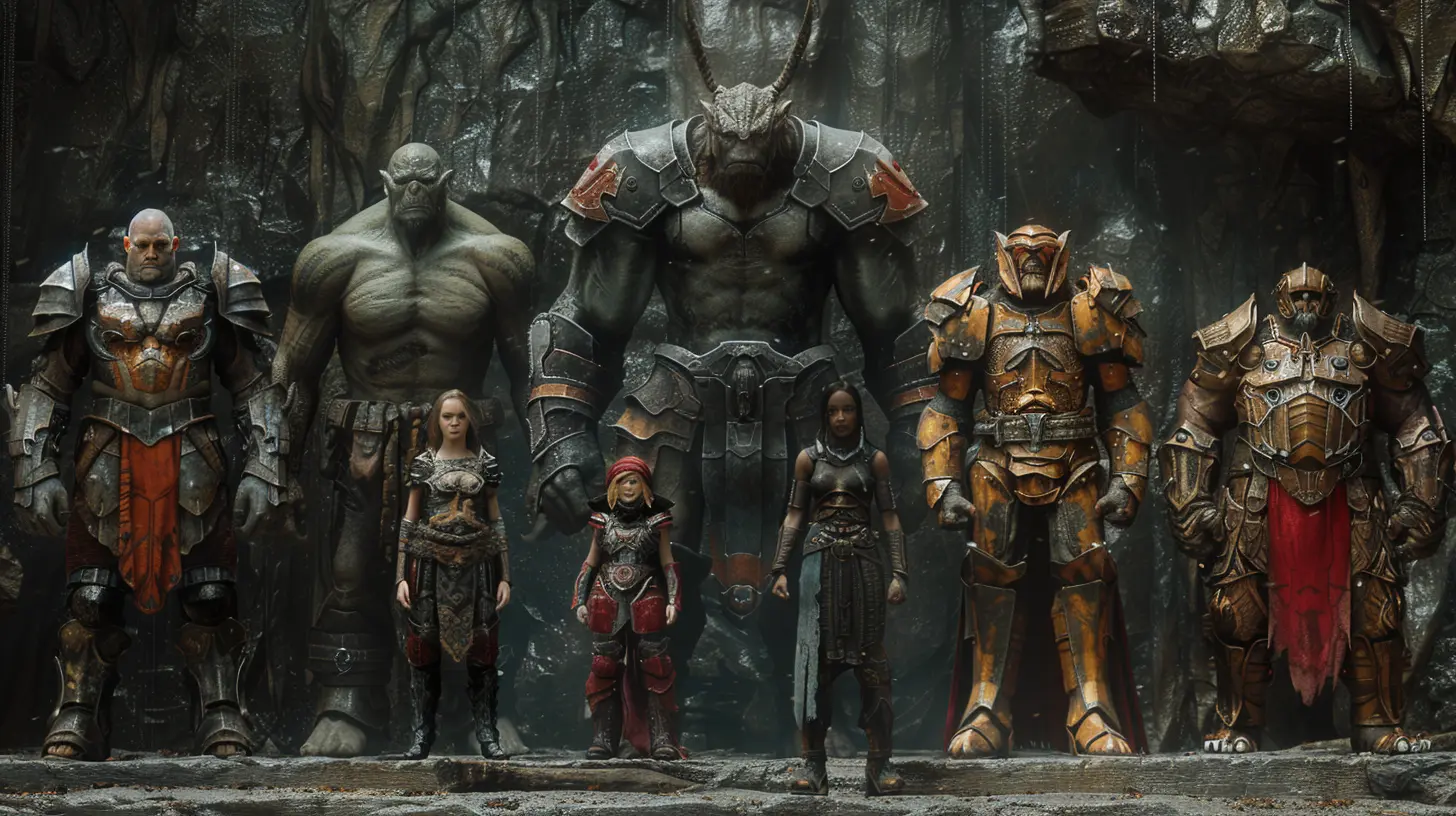
The Size Spectrum: From Tiny Fixes to Massive Overhauls
Patch sizes can vary dramatically. Let’s group them, shall we?? Small Patches (Under 500MB)
Think of these as bug spray. Quick fixes for minor issues like…- Texture glitches
- UI bugs
- Localization tweaks
- Minor balance adjustments
They’re fast to download and install, and you probably won’t even notice much change unless you’ve been suffering from a specific glitch.
? Medium Patches (500MB–5GB)
Now we’re talking performance tweaks, new maps, or maybe weapon balancing.These patches often sneak in:
- Optimizations for smoother framerate
- QoL (Quality of Life) changes
- Minor content additions (e.g., one new mode or level)
- Tweaks to physics, AI, or multiplayer matchmaking
They might not totally revamp the game, but they’re big enough to shake things up.
? Large Patches (5GB–30GB+… Sometimes Even More)
These are the monsters. Anytime you see a 20+ GB patch, prepare yourself because something significant is going down:- Massive content drops (new seasons, campaigns, or expansions)
- Graphical overhauls
- Engine updates
- Huge rebalancing of in-game economies or mechanics
- Complete asset replacements
Let me be clear: when a game launches a 50GB patch, they’re not just fixing typos—they’re rebuilding stuff.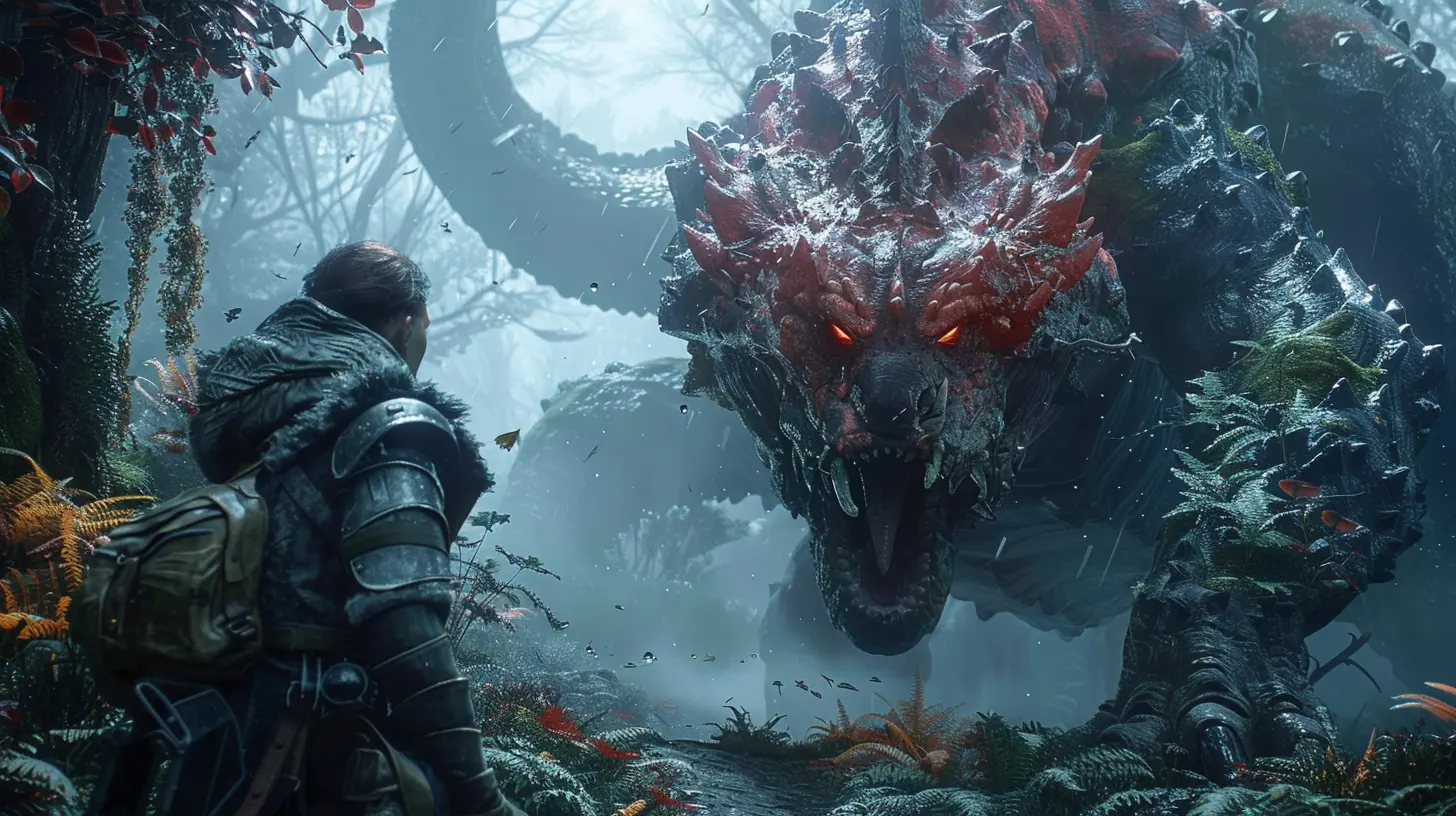
Do Bigger Patches Mean More Changes?
Not always. Size isn’t everything (yeah, we said it).Sometimes, a 2GB patch could change how a game is played forever. And other times, a 20GB patch is just replacing files due to compression issues. Let me break it down.
It’s Not Just the Size—It's What’s Inside
Game files are complex. A single line of code could require an entire asset to be repackaged and redownloaded. That’s right—you might only be getting a minor texture update, but because it’s bundled with larger files, you’re re-downloading the whole thing. Frustrating? Absolutely. Necessary? Sometimes.This is especially true in games using outdated or less modular game engines. The devs might have to ship entire asset packs just to tweak a small piece.
Compression and Packaging Make a Difference
Developers often compress files to save space. But changing compressed assets means the whole compressed package needs to be updated.Picture this: changing a sentence in a zipped book. You can’t just swap the sentence—you need to unzip, change it, then zip it all over again.
That’s what happens with a lot of patches.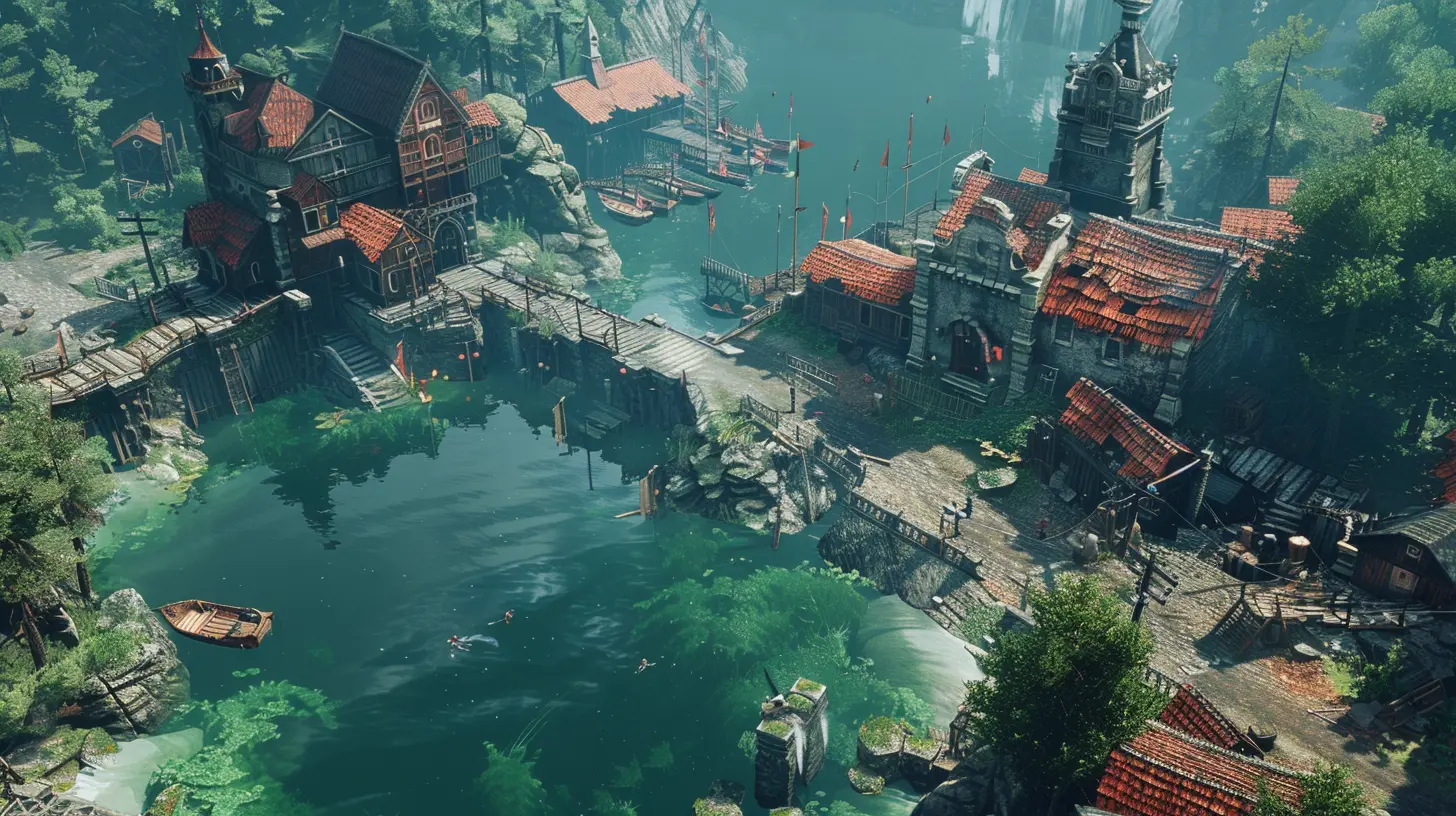
The Gameplay Impact: What Really Changes?
You're not here for a tech lesson. You're here for what matters to you as a gamer—does the patch size influence actual gameplay?Here's the tea:
1. Bug Fixes and Stability
Small and medium patches can make games far more enjoyable. Ever experienced a game-breaking bug and had to quit mid-quest or reload a checkpoint? Patches fix that mess.You might not see visual changes, but gameplay becomes smoother and more reliable.
2. Balance and Meta Shifts
Competitive games like Call of Duty, Fortnite, or Valorant live and die by their balance patches.A small tweak to weapon damage or cooldown timers can:
- Flip the meta
- Elevate new strategies
- Nerf your favorite gun into the ground
Sometimes these patches are tiny in size—just a few KB of code changes—but the impact is massive.
3. New Modes, Maps, and Features
Big patches usually bring the party. New maps, missions, weapons, characters—you name it.This is when you should be hyped about size. When your 25GB download finishes, you might have an entirely new playground to explore.
4. Performance Tweaks
Some patches significantly boost your FPS or decrease load times. You won’t always see the changes, but your PC will thank you.Day-One Patches: A Love-Hate Relationship
Let’s talk about the elephant in the room—the dreaded day-one patch.You buy a game, install it, and boom—there’s a 15GB update waiting. What gives?
Day-one patches are becoming standard because:
- Games often go gold (content locked) weeks before release
- Devs keep tweaking and fixing bugs during that time
- Rather than delay shipping, companies push updates on day one
Is it annoying? Yeah. But it’s (usually) worth it. Without these patches, you’d face way more bugs, crashes, and balancing issues.
Patch Size in Different Types of Games
Let’s look at how game types usually handle patching.? Single-Player Games
Tend to have:- Occasional patches
- Focus on bug fixes, performance, and polish
- Heavier patches when DLCs drop
Examples: Cyberpunk 2077, The Witcher 3, Elden Ring
? MMOs and Live-Service Games
These live and breathe updates:- Weekly or monthly patches
- Constant balancing and content drops
- Large file sizes for seasonal updates
Examples: Destiny 2, World of Warcraft, Final Fantasy XIV
⚔️ Competitive Multiplayer Games
Balance is king:- Frequent small patches
- Meta reworks
- Esports influence
Examples: League of Legends, Overwatch, Valorant
Patch Fatigue: When Updates Become a Chore
Let’s be real for a sec—sometimes patches suck the fun outta gaming.- You boot up excited to play… and get slapped with a 25GB update.
- You’ve got a data cap (ugh) and can’t afford a massive download.
- Every update breaks your mods.
Sound familiar?
This is called patch fatigue, and it’s a growing issue. Developers must walk a tightrope between improving games and respecting players’ time, bandwidth, and storage.
Some studios now offer modular updates, letting you download only what you need (like skipping the 4K textures if you’re playing on a potato PC). More of this, please!
How to Handle Large Patch Sizes Like a Boss
Alright, enough complaining. Let’s talk solutions.✅ Enable Auto-Updates
Most platforms let you auto-download patches, so they’re ready when you are. No more waiting.✅ Prioritize What Matters
If a game lets you choose which components to update, skip the fluff. Do you really need the multiplayer pack if you’re only here for the story?✅ Clean That Drive
Large patches can clog your storage. Uninstall games you’re not playing or move them to external drives to make room.✅ Stay Informed
Read patch notes. Seriously. It tells you exactly what’s changing—you might be able to skip a patch if nothing important affects you.The Verdict: Are Bigger Patches Better?
Let’s wrap this up with some cold truth.Bigger patches often mean more impactful changes, but size alone doesn’t determine quality. It’s the content inside that counts. A well-crafted 500MB patch that fixes major bugs can be more meaningful than a bloated 20GB patch that just adds a new skin or re-downloads old assets.
It comes down to this—don’t judge a patch by its size. Judge it by:
- How it changes your gameplay
- What it adds or fixes
- Whether it improves your experience
At the end of the day, whether you’re patching up for a raid, diving into a season refresh, or just fixing a broken mission marker, updates are essential for keeping games alive and kicking.
Final Thoughts
Game patches are the behind-the-scenes heroes (and sometimes villains) of modern gaming. While patch sizes give you a rough idea of what to expect, they’re not the whole story. Some will revolutionize your experience. Others will just ask you to wait 45 minutes without even saying “thanks.”So next time you see a patch, don’t just groan. Ask yourself: what's changing? Is this the update that makes the good game great?
And hey—maybe grab a snack while it downloads.
all images in this post were generated using AI tools
Category:
Game PatchesAuthor:

Aurora Sharpe
Discussion
rate this article
1 comments
Soleil Elliott
Patch sizes can reveal much about a game's future. Small updates may indicate routine fixes, while larger patches could signal significant content changes or optimizations. Understanding these nuances helps players appreciate the developers' efforts and prepares them for new experiences or necessary adjustments in their gameplay.
June 18, 2026 at 3:03 PM
Aurora Sharpe
Absolutely, patch sizes can be a key indicator of what's coming next. Smaller updates often mean tweaks, while larger ones usually hint at more impactful changes. It's interesting to see how these details shape our gaming experiences.