Behind the Bugs: How Patches Fix Game-Breaking Glitches
3 March 2026
Let’s face it—there’s nothing more irritating than sinking hours into a game only to hit a bug so nasty it ruins the entire experience. You’re cruising through a boss fight or finally reaching a new area, and bam—your character vanishes into the void, or the mission just refuses to load.
So, what’s happening behind the scenes when developers swoop in with a patch to stop the chaos?
In this article, we’ll pull back the curtain on those pesky bugs, explore how game-breaking glitches slip through the cracks, and explain how patches swoop in like digital duct tape to hold our gaming worlds together.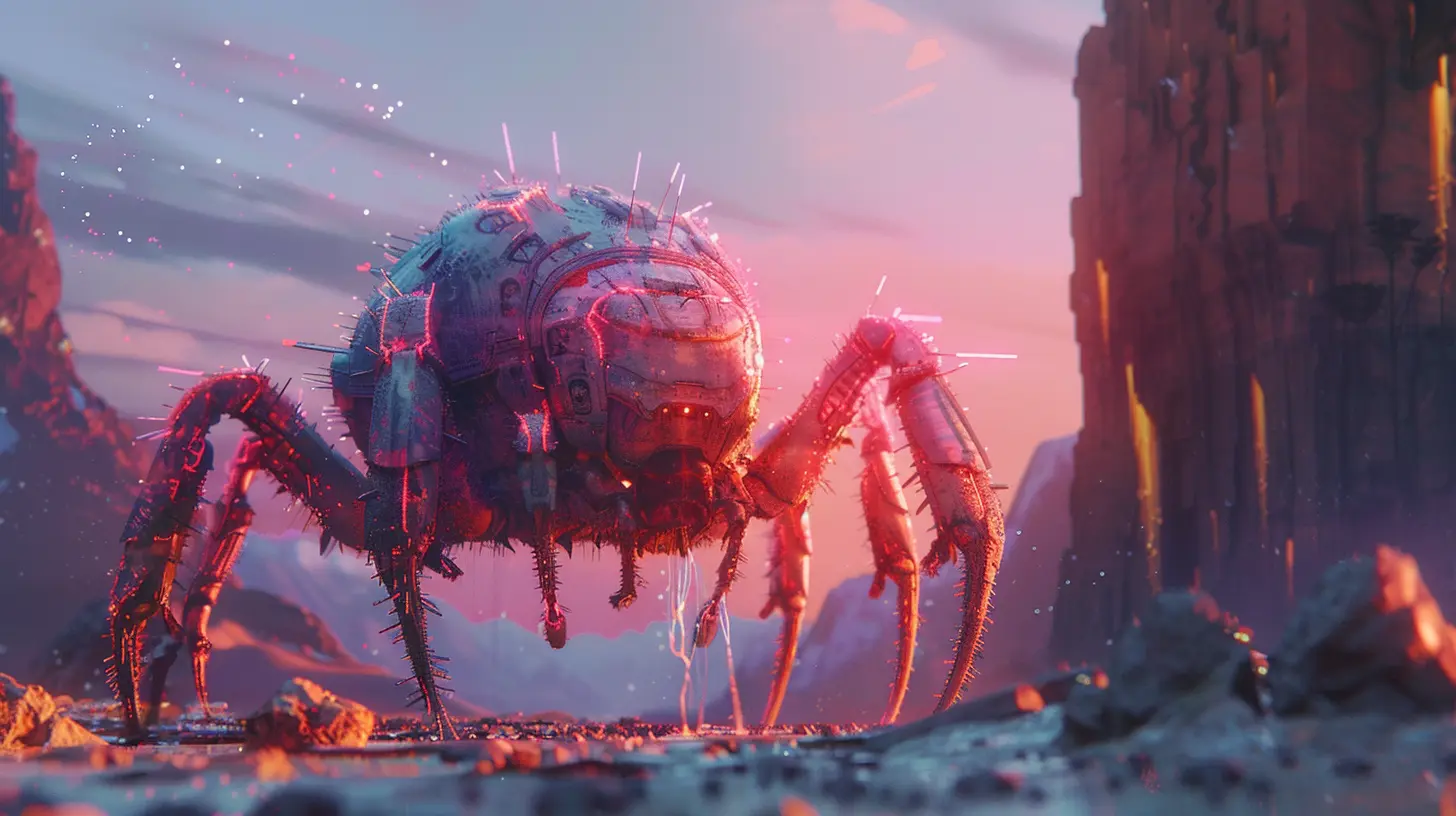
What Are Game-Breaking Glitches?
Before we talk about fixes, we’ve got to understand the problem. Game-breaking glitches are bugs that stop players from progressing. They're not just annoying little hiccups—these glitches can crash your game, corrupt your save file, or make a mission impossible to complete.Remember Cyberpunk 2077’s launch? Players getting stuck in elevators, NPCs exploding into thin air, and many just couldn’t finish quests at all. That’s the kind of thing we’re talking about—glitches that break the core gameplay loop.
Not All Bugs Are Created Equal
Let’s make something clear—not every bug is a catastrophe. Some are light-hearted or even legendary (looking at you, Skyrim’s flying mammoths). Others are just visual hiccups—textures loading late, weird walking animations, etc.But when a bug cuts off your access to story content, prevents saving, or permanently alters your game world? That's game-breaking—and priority number one for devs.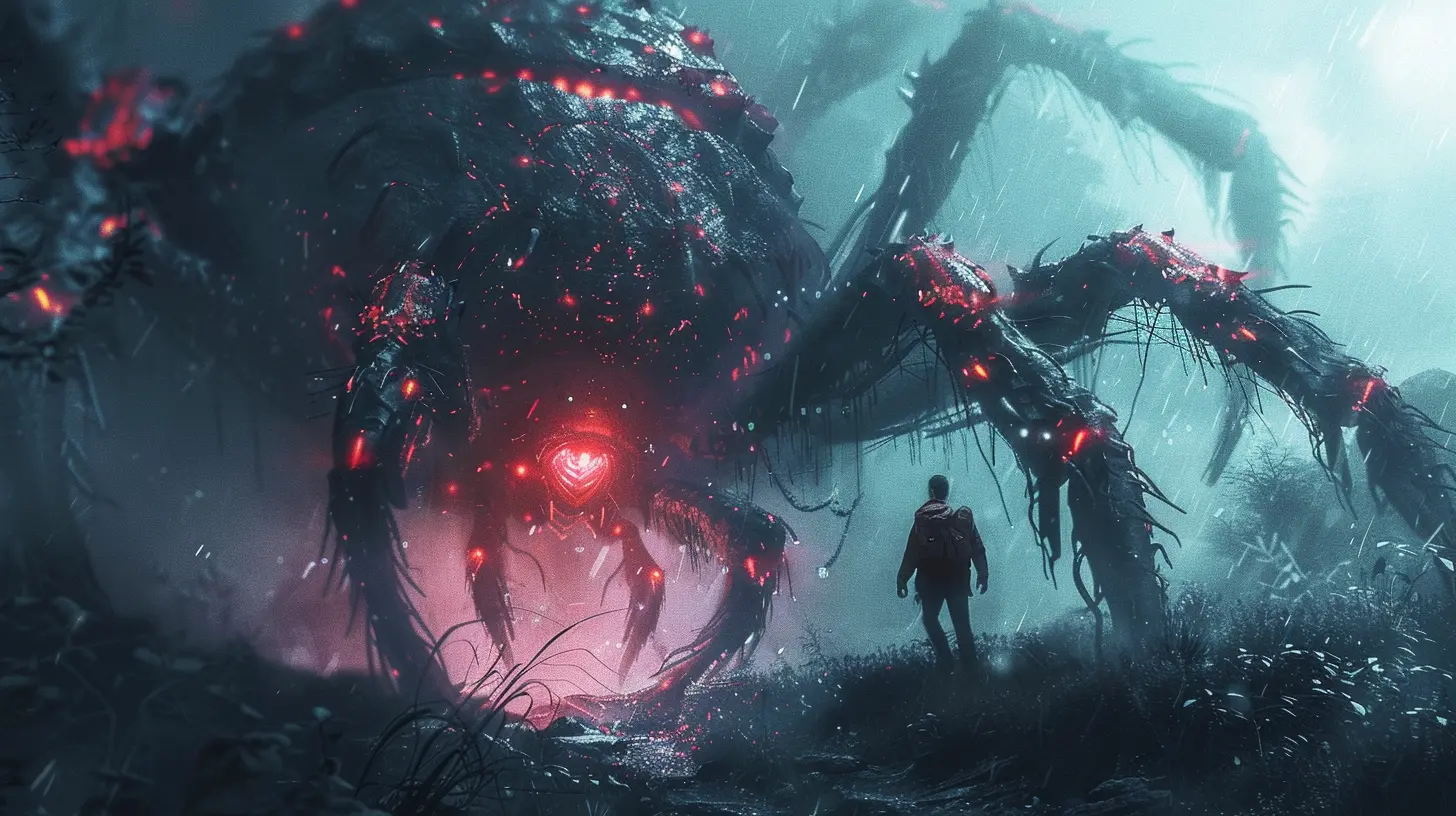
How Do These Bugs Make It Into Final Games?
You might be thinking, “Aren’t games tested before they’re released?” Absolutely! But games today are mind-blowingly complex. Picture a massive spider web with millions of connections. Pull one thread the wrong way, and stuff can unravel in the most unexpected spots.Here’s why bugs still sneak through:
1. Tight Deadlines and Crunch Culture
Game development is a beast. Studios work under huge pressure to hit release dates (especially for triple-A games). Sometimes, features get rushed, and not every bug can be squashed before launch. It's like trying to mop a flooded kitchen while the sink is still leaking.2. Infinite Player Possibilities
Even with a solid QA team, it's impossible to test every single way a player might interact with a game. Some bugs only appear under super-specific conditions—like standing on one foot in the corner of the map while using a rare item during a thunderstorm (seriously, some bugs are that weird).3. Hardware and Software Differences
PC gamers know the pain here. One user has an RTX 4090 with an SSD, another has a toaster from 2014. Bugs can appear on certain setups that devs just didn’t anticipate.
The Art and Science of Patchwork
Once a game-breaking glitch makes it out into the wild, the devs jump into action. Here’s how patches come to the rescue.Step 1: Collecting Bug Reports
First things first—developers need to know what’s broken. This info comes from multiple sources:- Player reports on forums, Reddit, Twitter (or X… whatever)
- Crash logs sent automatically in some games
- QA teams continuing post-launch testing
- Streamers or YouTubers stumbling into bugs live
This stage is like detective work. Devs dig into the reports and try to recreate the issue in a controlled environment.
Step 2: Isolating the Code
Once the bug's been successfully replicated, it’s time to find out what’s causing it. This process is like trying to find a single typo in a 1,000-page novel. It could be something as small as a missing semicolon or as big as an entire feature misfiring.Developers use debugging tools to trace the bug to its root. Sometimes it’s a simple fix. Other times, it's a tangled mess that requires a complete feature overhaul.
Step 3: Writing the Patch
Now comes the fix. Developers write new code to patch over the glitch, test it internally, and ensure it doesn’t cause even more chaos.Step 4: Patch Testing
Before pushing it live, the patch goes through an internal QA process. Ironically, patches designed to fix bugs can introduce new ones. You don’t want to fix a crash and cause everyone's inventory to vanish.So the patch is tested hard. If everything checks out, it's packaged and prepared for release.
Live Service Games: A Constant Tug-of-War
If you're hooked on any live service game—think Fortnite, Warzone, Destiny 2—you’re living in patchland. These games are constantly being tweaked to fix bugs, balance weapons, stop exploits, or even just make minor UI adjustments.Hotfixes vs. Full Patches
Ever notice how some updates are a quick 50 MB while others are 20 GB? That’s the difference between a hotfix and a full patch.- Hotfix: A small, immediate update pushed directly to fix urgent bugs
- Patch: A larger, planned update often bundled with performance improvements, new features, or balance changes
Hotfixes are like slapping on a band-aid mid-mission, while patches are more like scheduled surgeries.
Famous (or Infamous) Bugs That Got Patched
Let’s take a quick trip down memory lane. Here are a few game-breaking bugs that made headlines—and how patches saved the day.1. Pokémon Scarlet & Violet – Launch Woes
When Scarlet and Violet launched, they were riddled with frame drops, visual glitches, and full-on crashes. Players were falling through terrain or watching characters stretch like spaghetti. Nintendo eventually issued a patch to stabilize things and tackle the worst offenders. Not perfect, but a much-needed fix.2. Fallout: New Vegas – Save Wipe Nightmare
At launch, loading a corrupted save file could crash the game entirely. Worse, it could overwrite your existing saves. Bethesda patched the game multiple times post-launch, fixing not just saves but dozens—if not hundreds—of other bugs.3. Assassin’s Creed Unity – Missing Faces
You’ve probably seen the memes. NPCs with eyeballs floating above grinning mouths? That was Unity’s terrifying (and unintentional) launch “feature.” Ubisoft spent weeks patching in fixes to restore faces, fix crashing, and improve overall performance.Patches Aren’t Just About Fixes — They Build Trust
The funny thing is, patches can actually improve a game’s reputation. When devs respond quickly, communicate well, and fix critical bugs, it builds trust with players. Sure, no one wants a broken game, but how a studio handles the aftermath really matters.Think about No Man’s Sky. It launched to mixed reviews, but through years of patches and updates, it transformed into one of the most respected sci-fi exploration games out there. That’s the power of persistence—and patching.
The Future of Bug Fixes: AI and Automation?
As games get bigger and more complex, are we doomed to endless bugs? Not necessarily.Smarter Tools
Developers are already leaning on AI-driven testing tools that simulate thousands of gameplay scenarios in minutes. These bots can spot edge-case bugs long before players ever stumble into them.Community Test Realms (CTRs)
Games like World of Warcraft and Overwatch use public test environments (PTRs/CTRs) to let players try new updates early. This crowdsources bug hunting and gives devs extra eyes before hitting the big red “Go Live” button.Procedural Debugging
Future engines may auto-identify code that’s likely to break player progression. Think of it as predictive patching—like your computer warning you before it crashes.Tips for Players: What You Can Do
While devs work their magic, there are a few things you can do when bugs rear their ugly heads:- Report Bugs Clearly: If you hit a bug, take notes. What were you doing? Can you reproduce it? Screenshots and short videos help a ton.
- Stay Updated: Turn on auto-updates or check patch notes when you see a new release.
- Join Communities: Often, other players will figure out temporary workarounds before a patch drops. Reddit and Discord servers are goldmines for info.
- Backup Saves (If Possible): Especially in moddable or unstable games, regular backups can save your bacon.
Final Thoughts: Bugs Are Inevitable—But Fixable
No game is perfect. With increasing complexity and player freedom, bugs are as much a part of gaming as loot boxes or respawning enemies. But thanks to patches—and the hardworking devs who build them—most of these issues get squashed sooner or later.Think of patches as invisible stitches keeping our favorite games from unraveling. They might not be flashy, but without them, we’d be up a creek without a controller.
So next time you boot up a game after an update, take a second to appreciate the unsung heroes behind the code. Because behind every patch is a team that just wants you to enjoy the game they poured their hearts into.
all images in this post were generated using AI tools
Category:
Game PatchesAuthor:

Aurora Sharpe
Discussion
rate this article
2 comments
Jinx Cooper
Great insights! It's fascinating how patches transform our gaming experiences. Keep up the excellent work!
March 5, 2026 at 4:23 PM
Aurora Sharpe
Thank you! I'm glad you found it fascinating—patches truly play a crucial role in enhancing our gaming experiences!
Dakota McNeal
Great article! It’s fascinating to see the behind-the-scenes work that goes into fixing bugs. Appreciate the dedication developers show in enhancing our gaming experiences. Every patch is a step towards a smoother, more enjoyable journey for all players!
March 4, 2026 at 4:33 AM
Aurora Sharpe
Thank you! I'm glad you enjoyed the article and appreciate the hard work that goes into making our gaming experiences better. Your support means a lot!